
Secret Santa
Draw names for Secret Santa
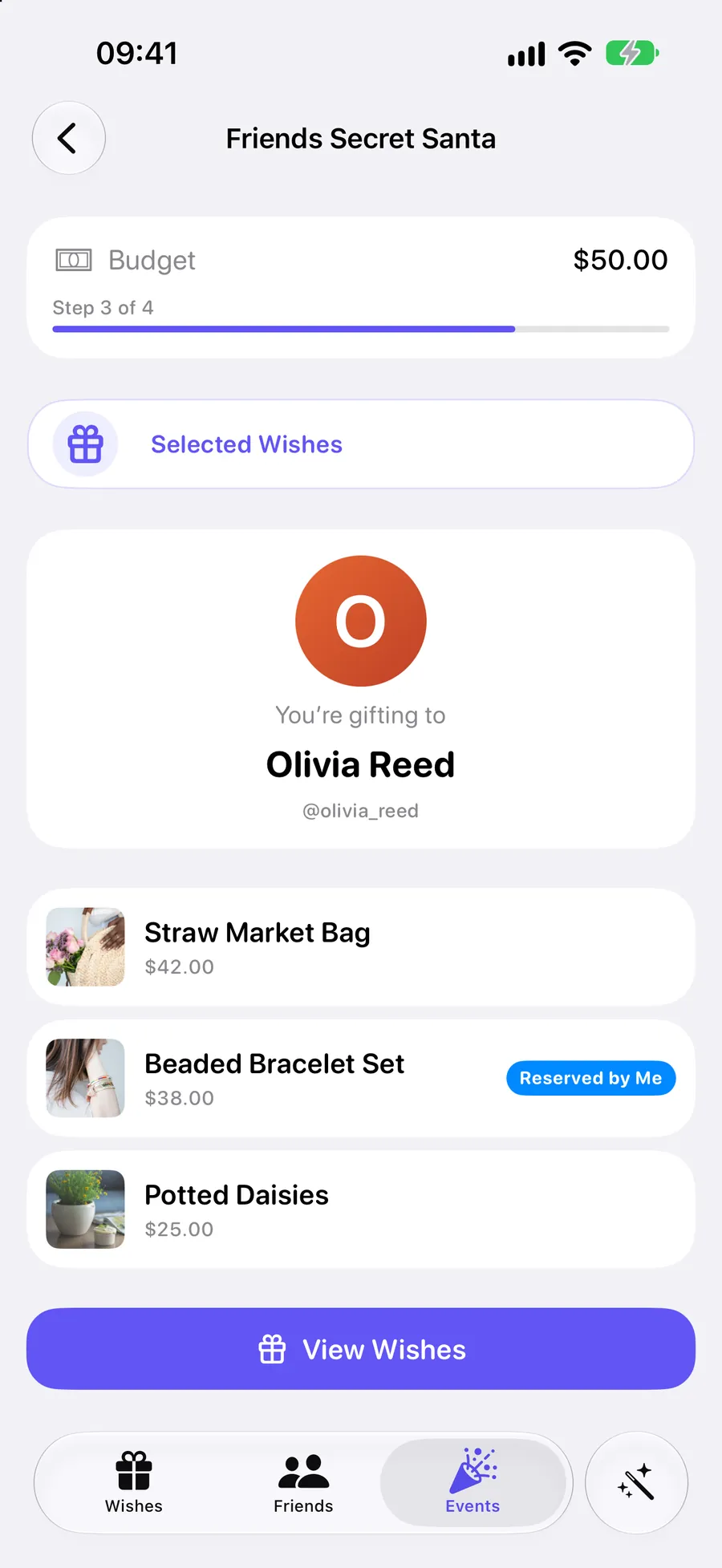
Invite friends and let the app draw the names. Only you see who you got, along with the wishes they picked for their Santa.
Free on iPhone and Android
Save wishes from any shop, share one link, and let friends reserve in secret. Nothing is bought twice, and you never find out who.



Scan to get the app
Opens the App Store or Google Play on your phone.
No account needed to start.
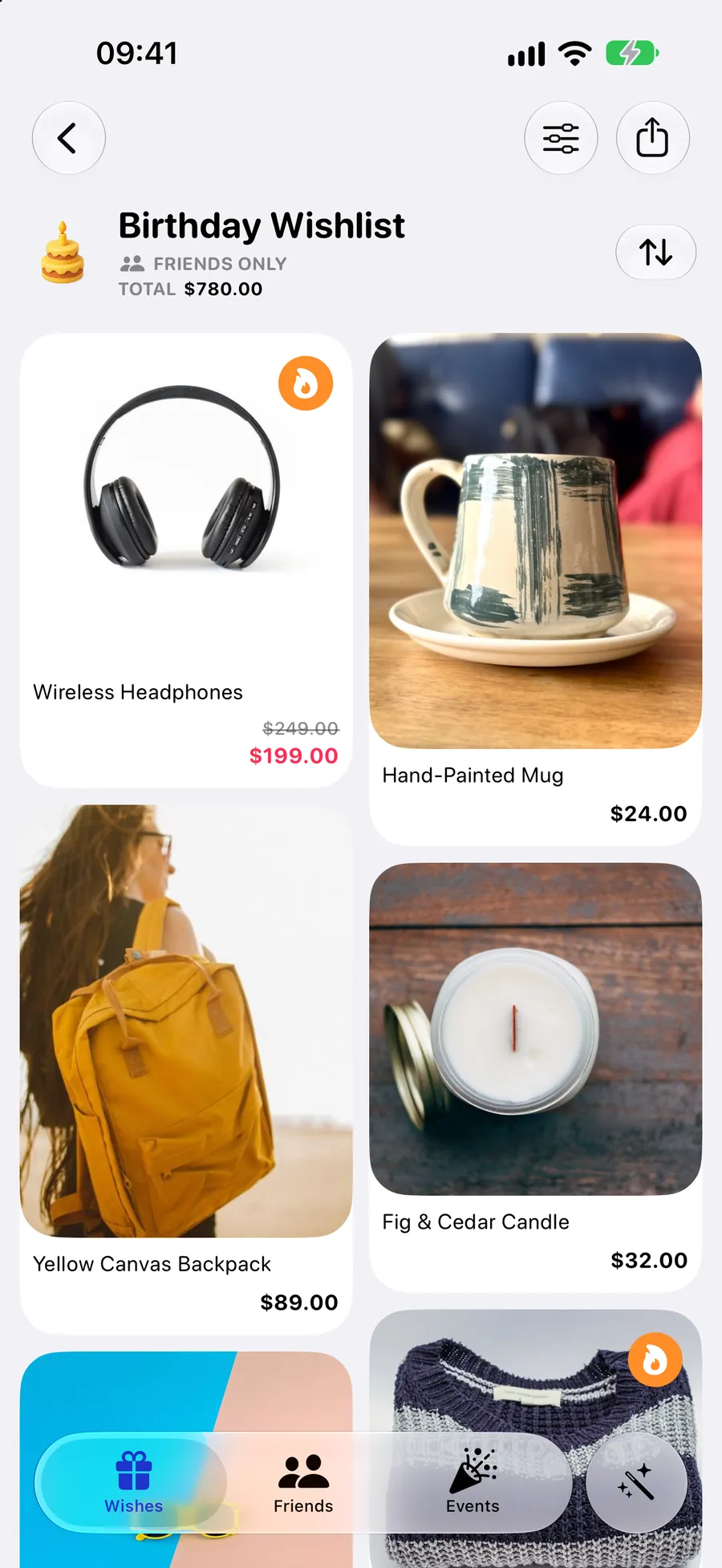


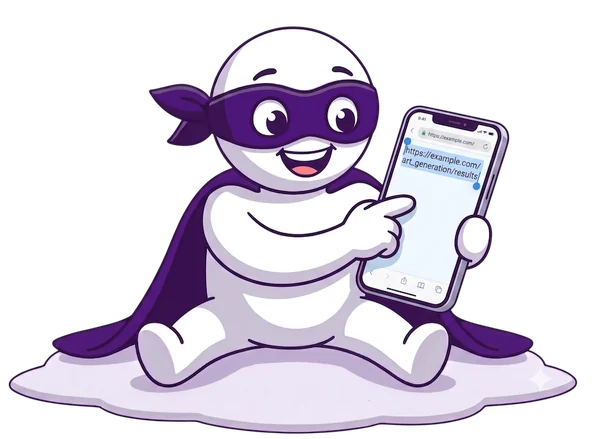
Copy a product link in any app, then tap Add Wish. The photo, name and price fill in by themselves.

Send a collection to friends in any messenger. It opens in any browser, so nobody needs the app just to look.

They reserve what they plan to buy, so nothing is bought twice. You never see who.
You and your friends look at the same collection and see different things.

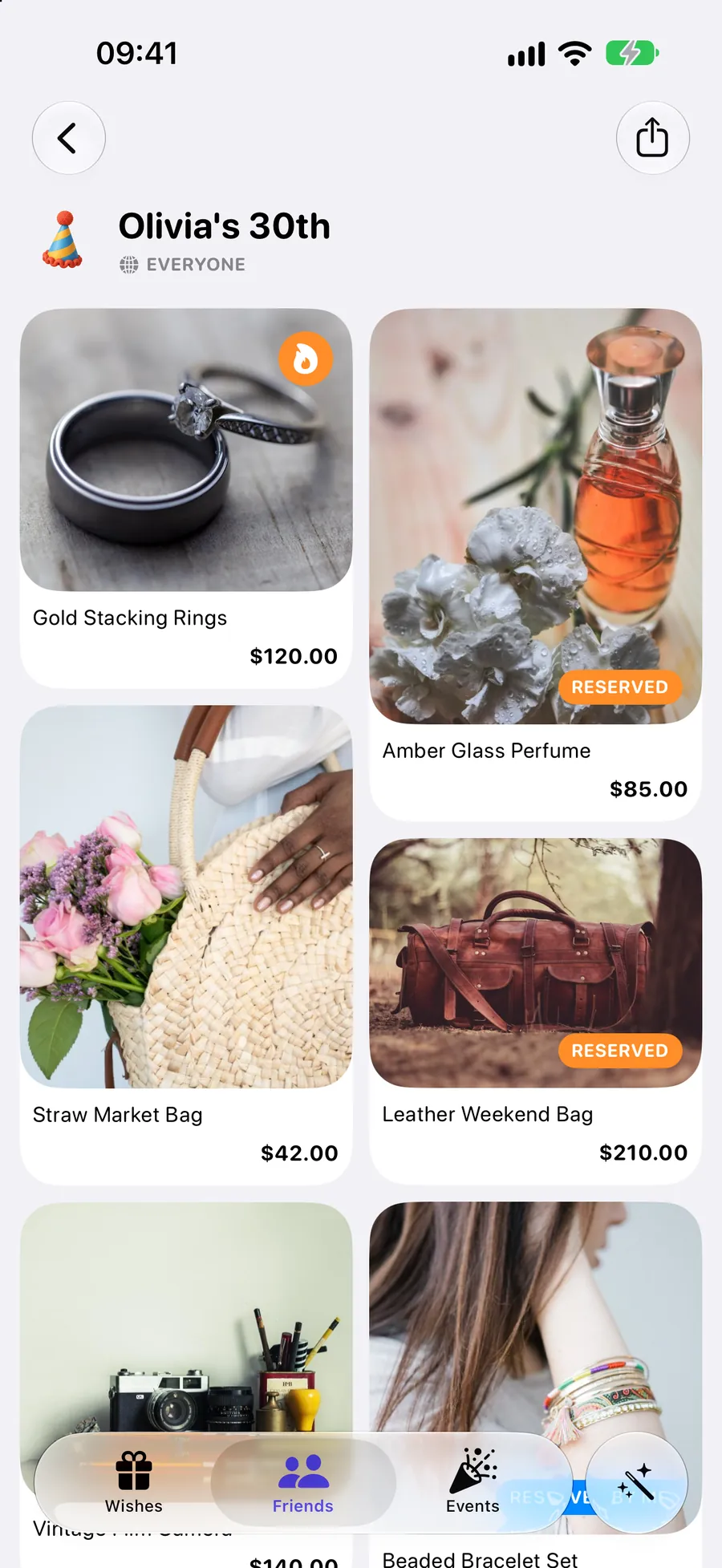
What friends see
Reserved gifts are marked, so nobody buys the same thing twice.
What you see
Just your wishes. No badges, no spoilers.
Keep a shared collection with your family, draw names for Secret Santa, or chip in on a group gift.
Secret Santa
Invite friends and let the app draw the names. Only you see who you got, along with the wishes they picked for their Santa.
Group Gift
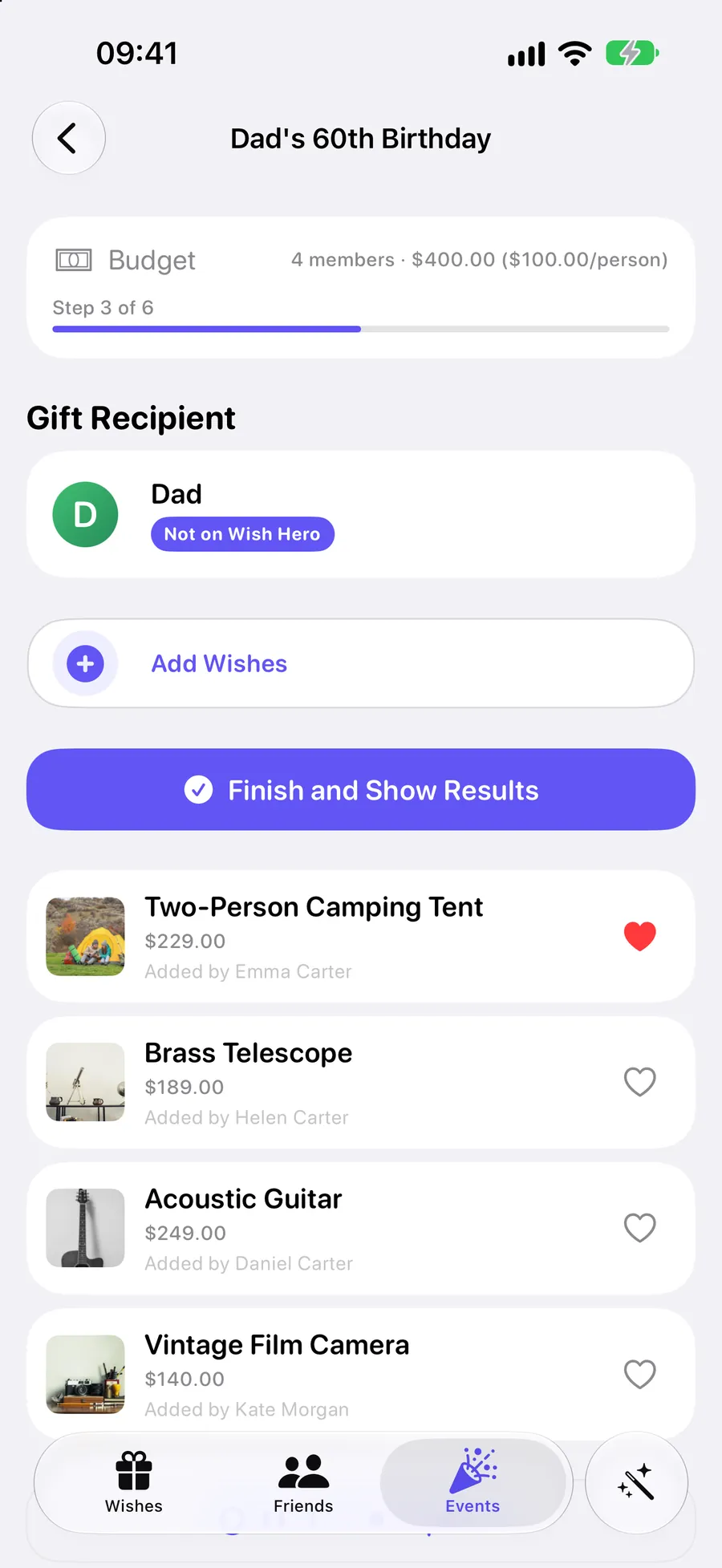
Everyone suggests gifts and you vote together. Then the app splits the cost and shows who has already paid.
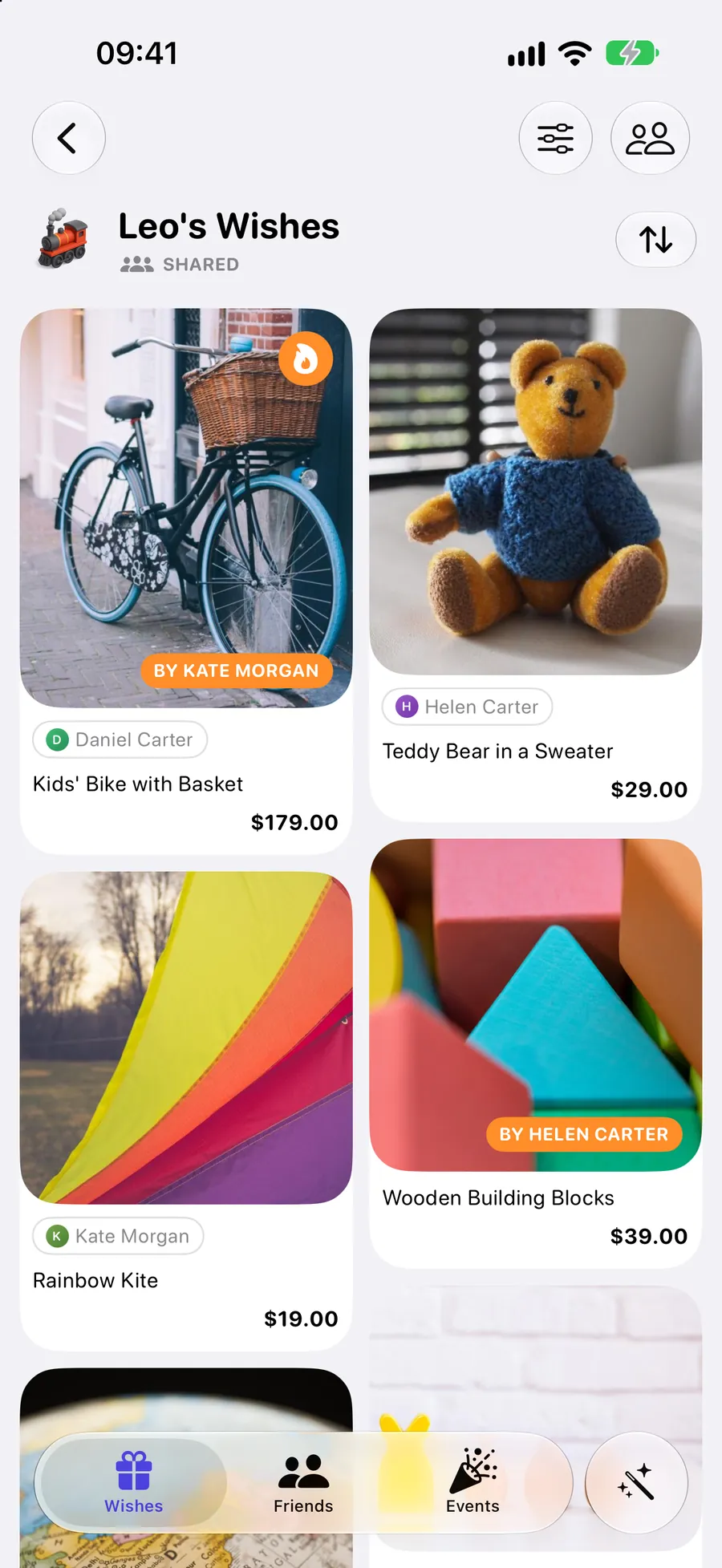

Shared collection
Everyone adds wishes to one list for a child or a couple, and sees who is buying what. Nobody ends up with the same bike twice.
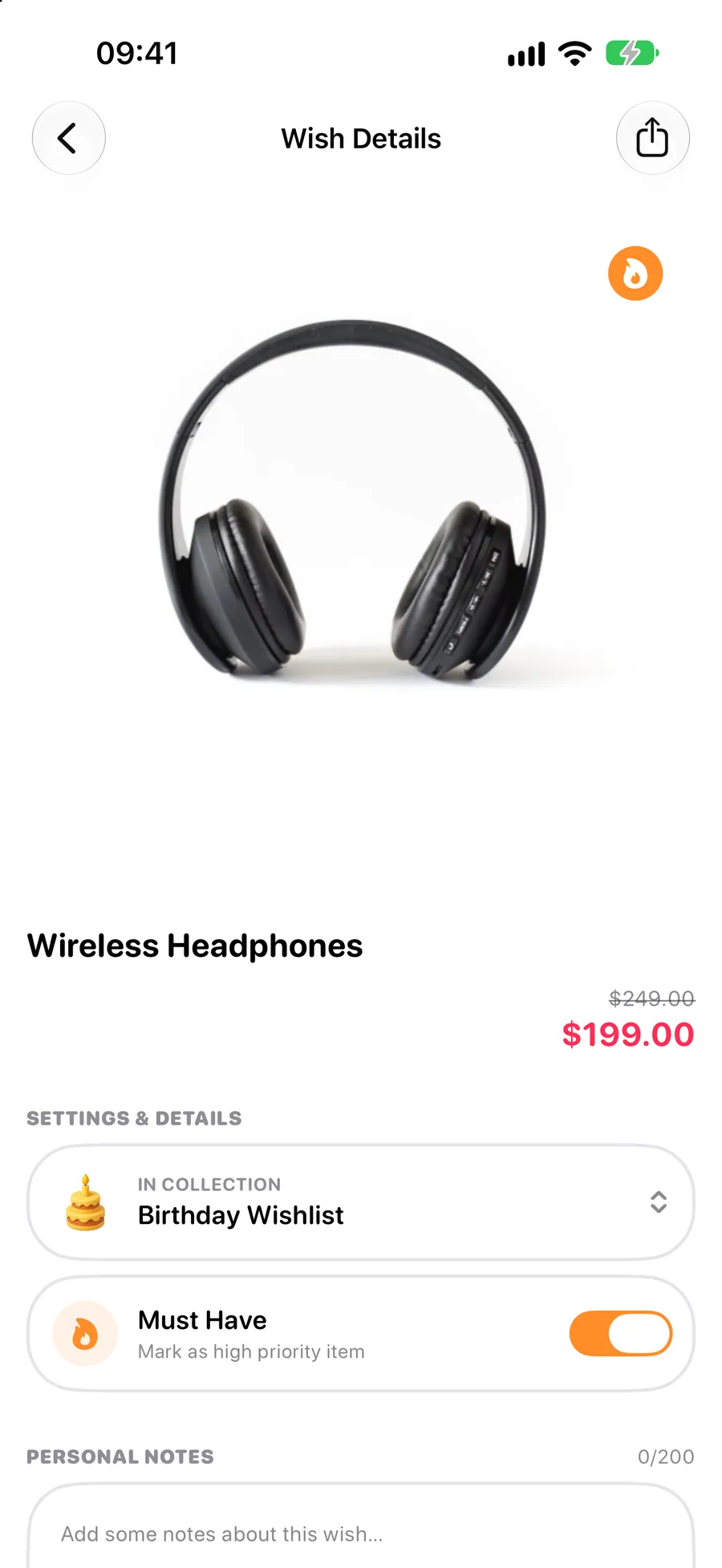
Wish Hero refreshes the prices of your wishes from the shop. With Wish Hero Pro you also see what a wish used to cost and get a notification when it gets cheaper.

Birthdays, holidays, a new home — or just someday.
 Birthdays
 Christmas
 New Year
 Weddings
 A new home
 TravelKids' partiesJust because
Yes. Collections, sharing and reserving are free, and so are your first Secret Santa and your first group gift. Wish Hero Pro adds unlimited events and price-drop alerts.
No. Your link opens in any browser. To reserve a gift they open the app. On iPhone it starts instantly as an App Clip, with nothing to install.
No. On your own collections, reservations are hidden from you. In a shared family collection everyone sees who is buying what, because that is what it is for.
Any shop with a product page. Copy the link and Wish Hero fills in the photo, name and price. If it picks the wrong ones, tap Wrong image? or Wrong price? and choose the right one on the shop’s page.
No. You start straight away as a guest. Sign in with Apple or Google to keep your wishes when you change phones, and to add friends.
You choose for each collection: everyone, friends only, or just you. You can also share a collection or a single wish by link with anyone you send it to.

Free on iPhone and Android. Your first wish takes a minute.
Scan to get the app
Opens the App Store or Google Play on your phone.